반응형
1. Install WSL2 & Ubuntu
Open a terminal as Administrator and run:
wsl --install
If Ubuntu is not installed automatically:
wsl --install -d Ubuntu
Once Ubuntu is launched for the first time, you'll be prompted to create a UNIX username and password.
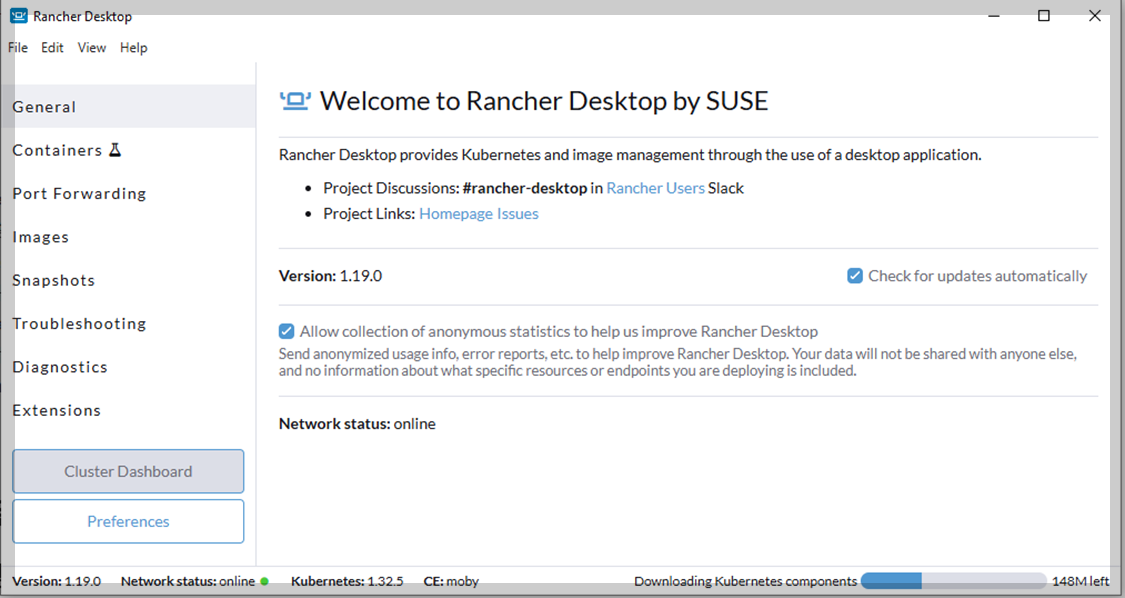
2. Install Rancher Desktop & Docker
Download Rancher Desktop from:
https://rancherdesktop.io

After installation:
- Go to Containers tab
- Set container engine to dockerd (moby)
Verify Docker installation:
docker --version
3. Run Keycloak in Docker
Run the following command:
docker run -p 8080:8080 \
  -e KEYCLOAK_ADMIN=admin \
  -e KEYCLOAK_ADMIN_PASSWORD=admin \
  quay.io/keycloak/keycloak:latest start-dev
Then visit: http://localhost:8080
Login: admin / admin

⚠️
start-devuses an in-memory H2 database. All data will be lost when the container stops.
4. Keycloak Configuration
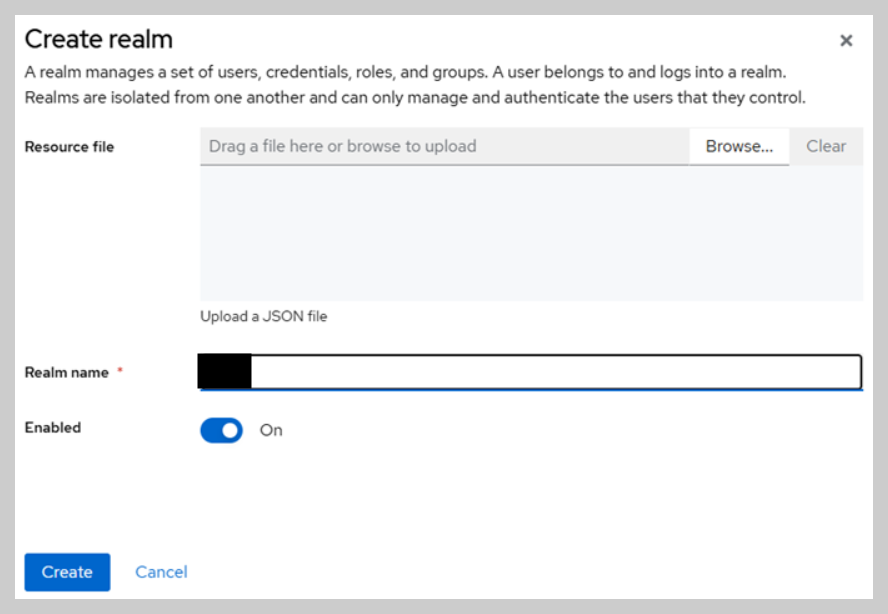
Create a Realm
- Top left → Manage realms → Create realm
- Realm name: demo-realm
Create a Client
- Realm > Clients > Create client
- Client ID:
sample-api - Root URL:
http://localhost:5056 - Valid redirect URIs:
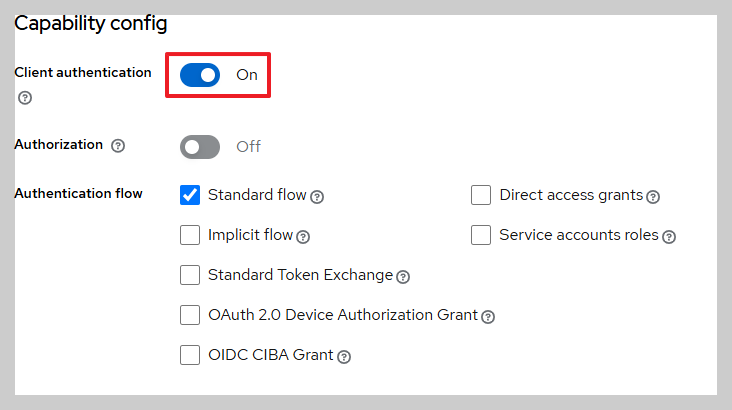
http://localhost:5056/* - Enable: Client Authentication under Capability config


Create Client Roles
- Go to Clients →
sample-api→ Roles - Add roles:
reader,writer,admin

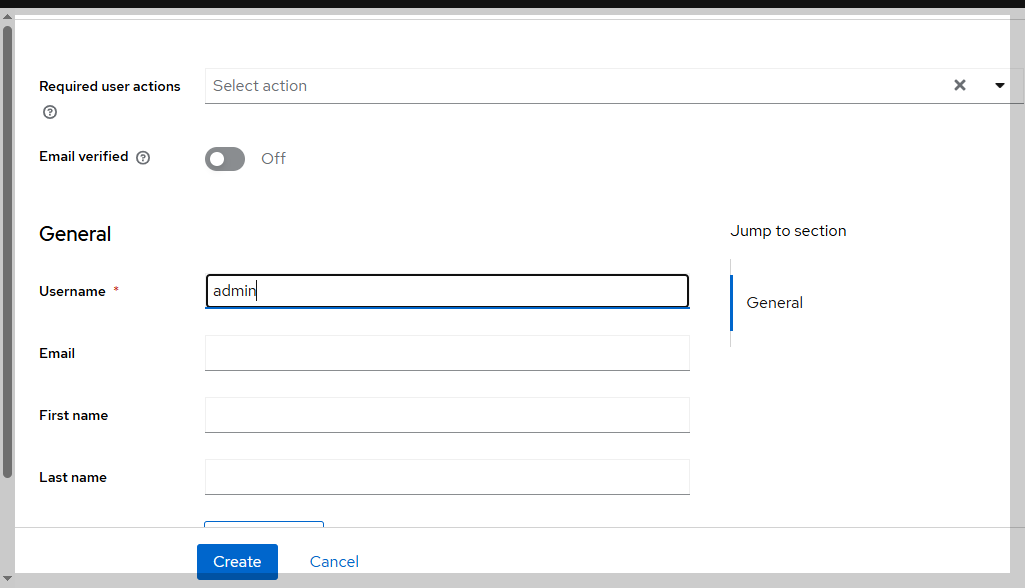
Create Users
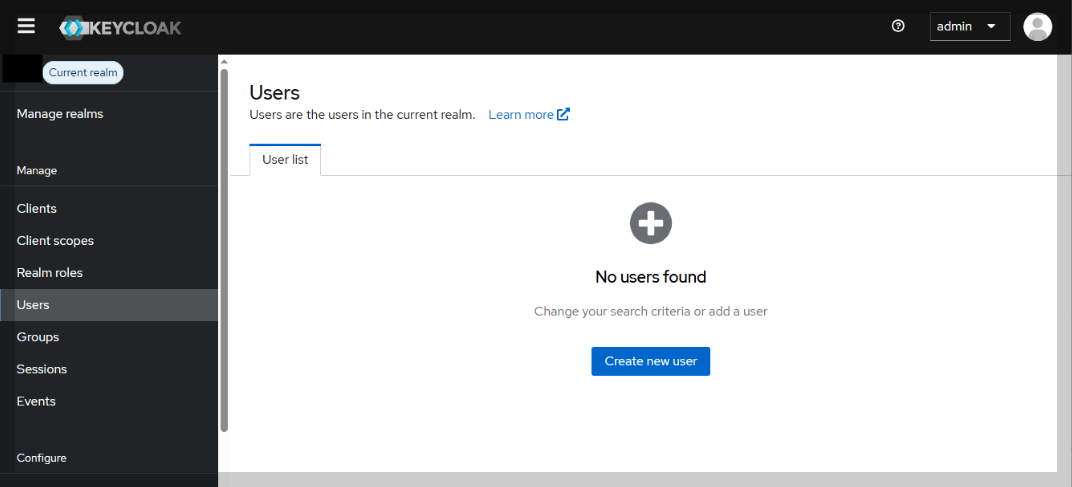
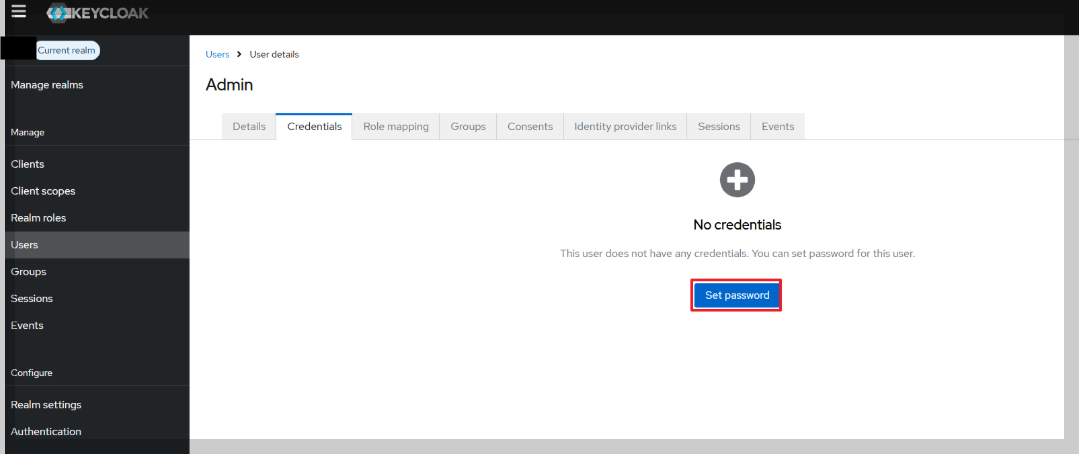
- demo-realm → Users → Add user
- Create users:
admin,reader,writer - Set passwords in Credentials tab
- Uncheck "Temporary"
Assign Roles to Users
- Go to each user → Role Mappings
- Assign roles from the client (
reader,writer, etc.)
5. Test OAuth2 with Swagger UI
Visit:
http://localhost:5056/ sample-api/swagger/index.html
- Click Authorize
- Log in via Keycloak
- You may be prompted to complete your account info (name, email)
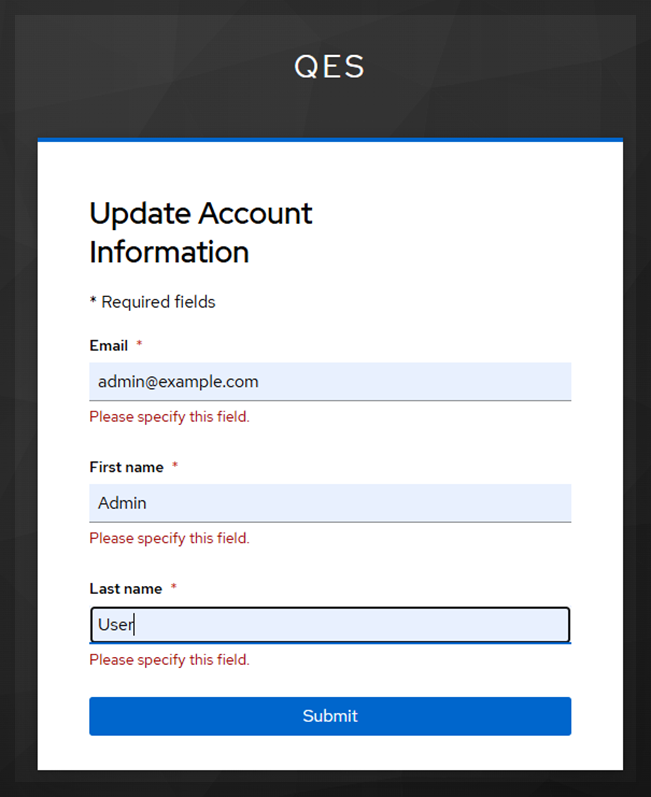
After login, an access token is issued and used for API testing.
System Architecture
+-------------+        +------------------+         +----------------+
|  Browser     | <---> |  Swagger UI (5056)| <--->  |  API Server     |
+-------------+        +------------------+         +----------------+
                                                         ↑
                                                         |
                                                  OAuth2 Token
                                                         ↓
                                             +------------------------+
                                             |  Keycloak (Docker)     |
                                             |  http://localhost:8080 |
                                             +------------------------+

        [Host: Windows] → [WSL2] → [Rancher Desktop] → [Docker Container]
Notes
- For production, use
startinstead ofstart-dev - Use an external DB such as PostgreSQL or MySQL
- Consider automating with
docker-composeor Helm
반응형
'💻 개발과 자동화' 카테고리의 다른 글
| Terraform으로 어디서든 동일한 DevOps 환경 재현하기 (2) | 2026.04.10 |
|---|---|
| How to Set Up SSH for GitLab and Clone Projects Securely (0) | 2025.12.10 |
| [Mssql] Table drop시 FOREIGN KEY 참조로 삭제 불가능 (0) | 2024.06.14 |
| TOMCAT 배포 및 Log 디렉토리 변경 (2) | 2023.08.25 |
| 리눅스 서버에 USB 마운트 및 랜선 접속 방법 (0) | 2023.08.24 |


댓글